Access with intention
Choose guest access, lobby, and passcode settings for each meeting.
Private meetings for modern organizations
Schedule, invite, meet, and manage participants from one controlled workspace — with managed access, host controls, screen sharing, and team chat.
How it works
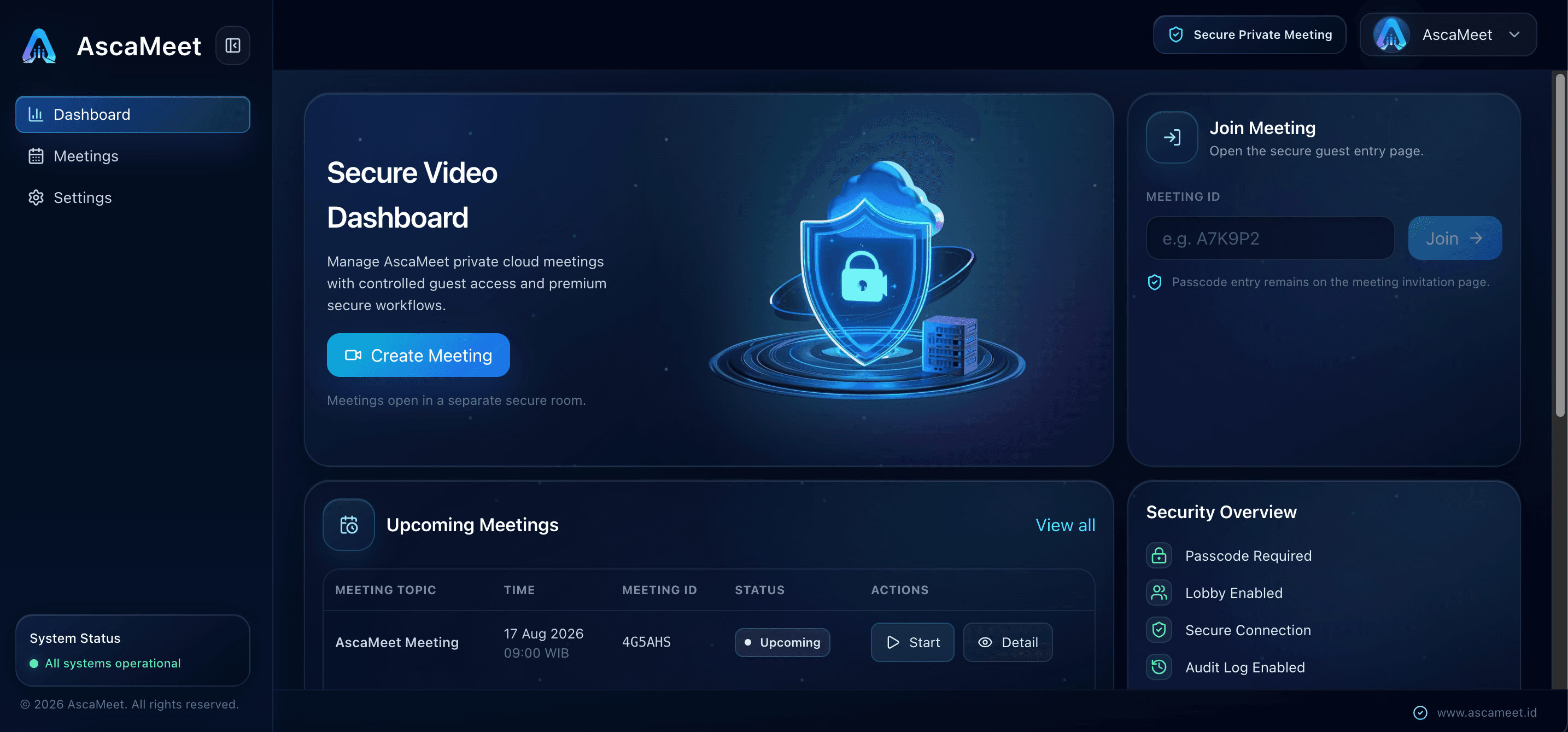
Plan the meeting, set the duration, and prepare access.
Share the meeting with the right people and use lobby/passcode controls.
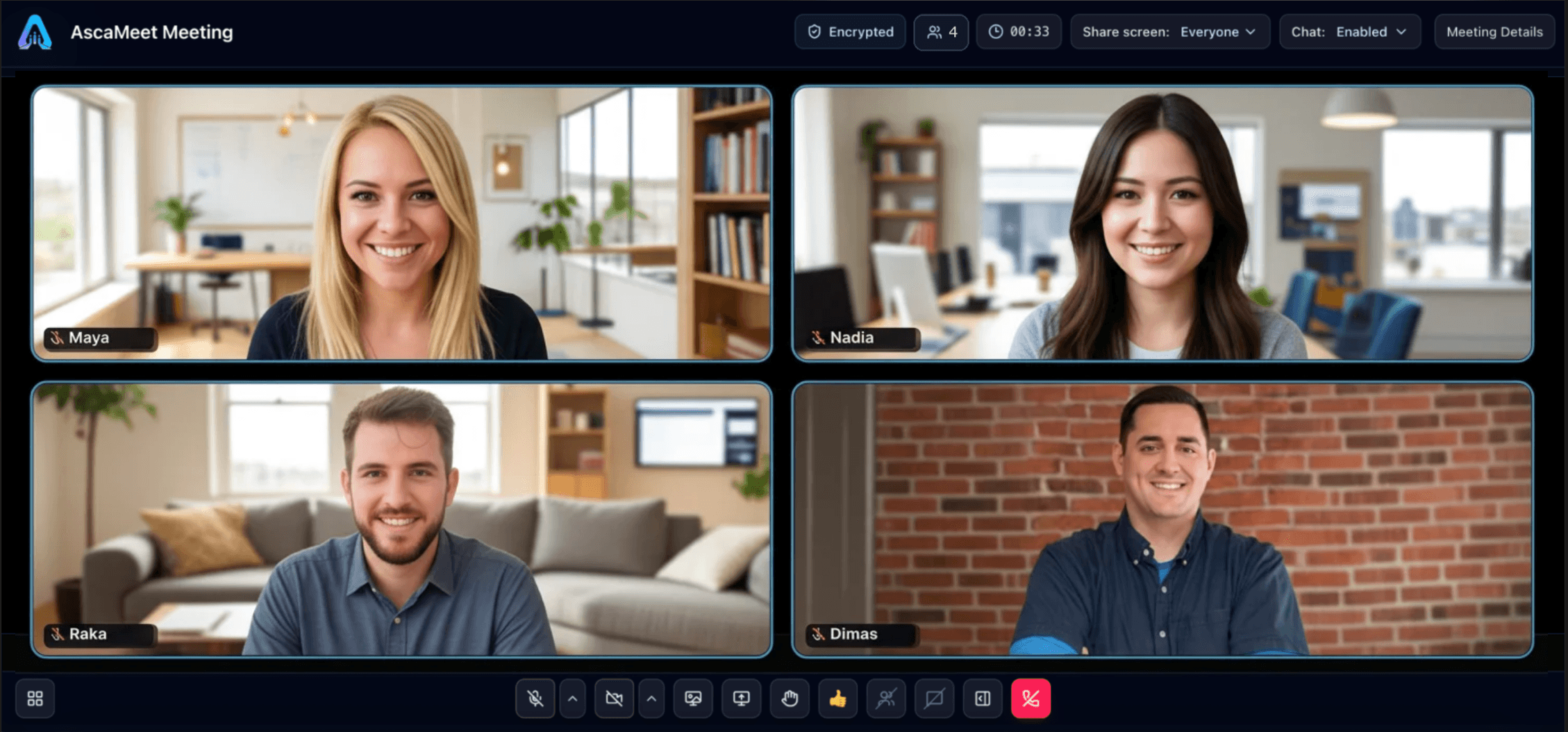
Use video, screen sharing, and chat in one meeting workspace.
Hosts manage participants and keep the meeting focused from start to finish.
Company control
Keep meeting access and participant management in the hands of your organization, with clear roles for admins and hosts.
Choose guest access, lobby, and passcode settings for each meeting.
Manage participants and moderate the room as the conversation develops.
Keep scheduled meetings and activity records available to your team.
Features
Built for daily syncs, client calls, training sessions, and private company meetings.
Plan meetings in advance, set durations, and keep upcoming sessions organized.
Protect every session with passcodes, lobby options, and user access rules.
Manage participants, mute microphones, stop video, and keep the room focused.
Present dashboards, documents, slides, and ideas clearly during the call.
Keep quick updates and side notes in one place without interrupting the flow.
Show names, roles, and profile pictures so everyone knows who is in the room.
Security
Manage access before a meeting, participants during the call, and users across your organization.
Use Cases
Keep project decisions moving with daily syncs and weekly reviews in a controlled room.
Present proposals and reports through screen sharing so clients can follow the discussion.
Work through questions with customers or colleagues using live screen sharing and chat.
Keep learning sessions focused with clear access and participant controls.
Coordinate decisions in scheduled, private leadership discussions.
Bring the right people together with managed access for internal discussions.
Plans
Choose the concurrent meeting capacity that fits your organization.
Standard
For teams running one meeting at a time.
Premium
Up to 5 at onceFor teams running meetings in parallel.
Enterprise
For company capacity and management requirements.
Why AscaMeet
Set how employees and guests join with access rules, lobby, and passcodes.
Give hosts moderation tools to manage participants and guide the discussion.
Bring video, screen sharing, and chat together so participants can follow the conversation.
Discuss custom capacity, admin management, privacy, and custom domain options with our team.
FAQ
AscaMeet supports passcodes, lobby controls, and managed access settings so hosts can control who joins a meeting.
Yes, depending on the meeting settings. Hosts can use lobby and passcodes to manage guest access.
Yes. Participants can share presentations, dashboards, and documents, subject to the meeting’s screen-sharing controls.
Standard supports 1 concurrent meeting, Premium supports up to 5 concurrent meetings, and Enterprise offers custom capacity.
Yes. AscaMeet supports admin-managed users and role-based access, with meeting and activity records.
Yes. Enterprise options include custom capacity, admin management, privacy options, monitoring and support, and custom domain options. Talk to our team about your company’s requirements.
Complete the form below with your contact details, plan interest, and meeting needs. Our team will follow up with you.
Request a Demo
Tell us about your team, meeting needs, and the plan you are interested in. Our team will follow up with you.
AscaMeet for modern organizations
Request a demo and see how AscaMeet can support your company meetings.